Running Pragma on MacOS
Last updated: November 27, 2025
Common Issues
There are two common issues encountered by developers attempting to run pragma from a mac
Bash Version
By default MacOS ships with an outdated version of Bash
You can use homebrew to update to the latest using the following command
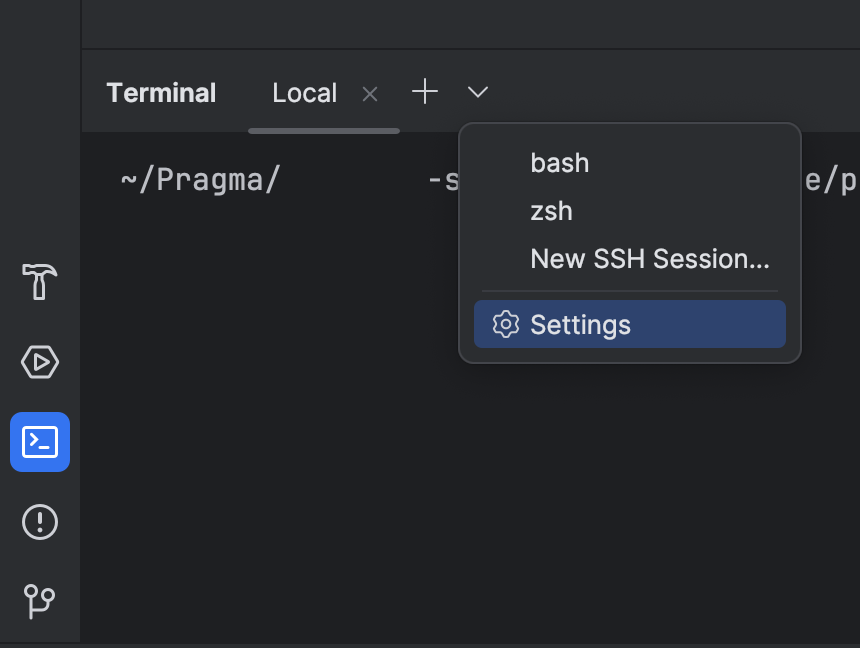
brew install bashAfterwards make sure to update your default terminal in IntelliJ to be the new bash version. You can do so easily by going into the Terminal Settings and setting the Shell Path to the brew version you just installed from homebrew. Make sure to close your existing terminal instance, and start a new one so the change takes effect.
Screenshots

Java Home Export
You may need to manually export your JDK directory
export JAVA_HOME="$(/usr/libexec/java_home -v 17)"